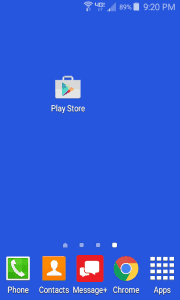
1) Touch the Play Store icon:
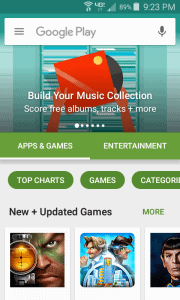
2) The Google Play Store will open:
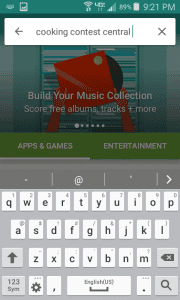
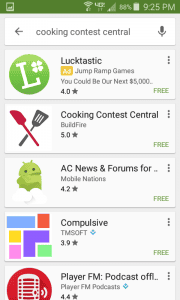
3) Type “Cooking Contest Central” in the search box:
4) Touch the Cooking Contest Central option:
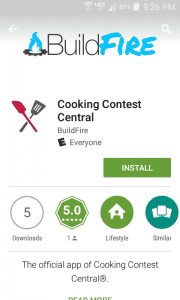
5) Touch Install:
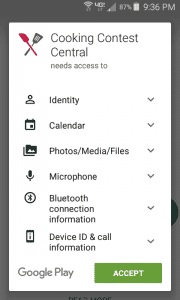
6) Touch Accept:
7) Touch Open:
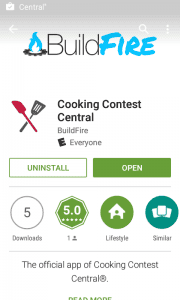
8) The app will install, then the opt in screen will open:
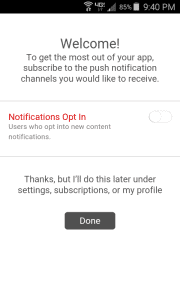
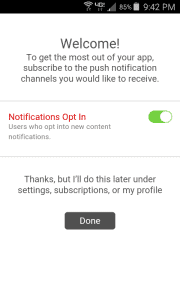
8) Slide the Notifications Opt In to make the bar green and touch done:
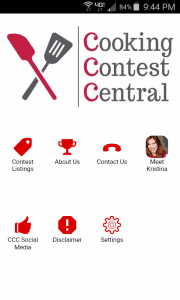
9) The app will launch! Explore and enjoy!